Palette from Image
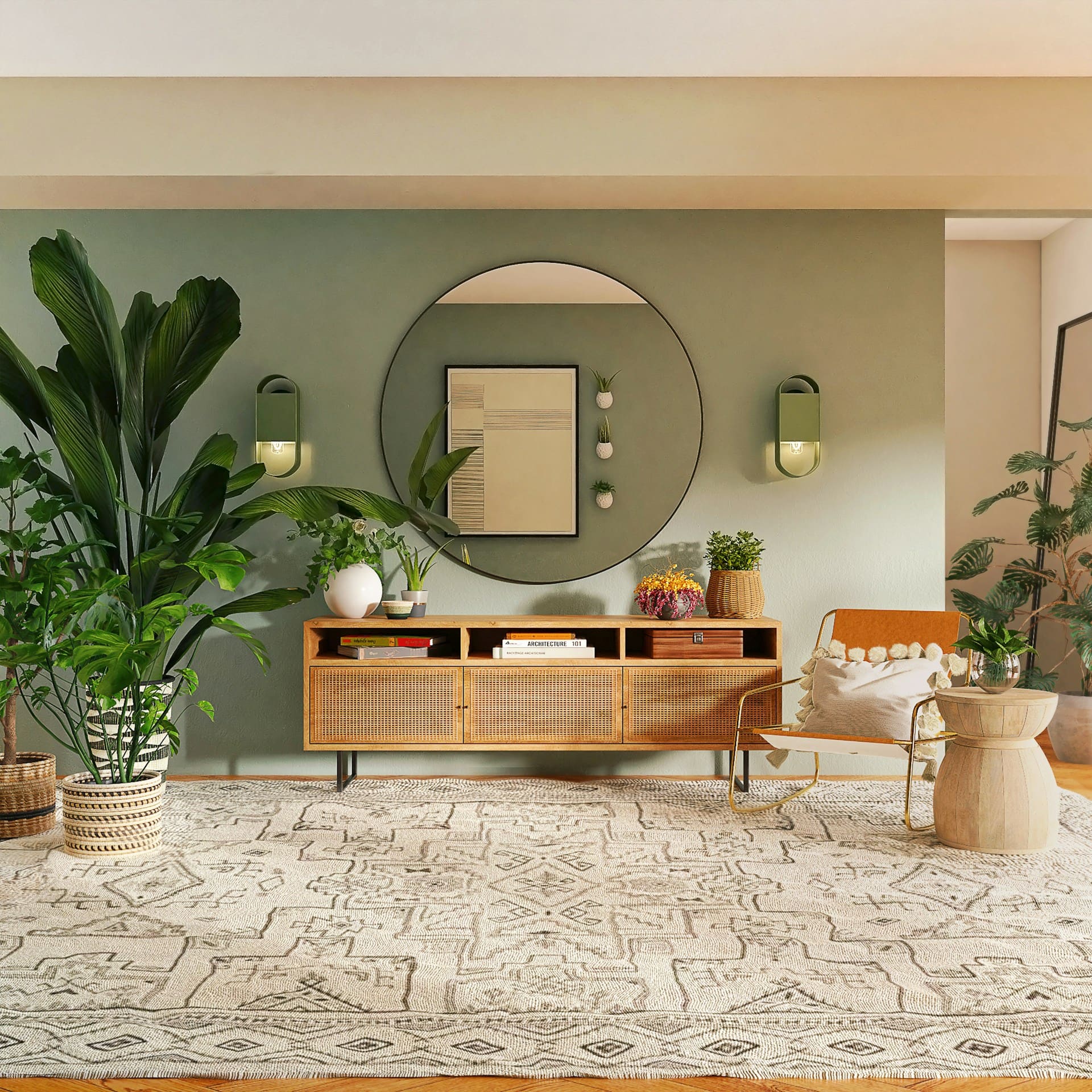
The most saturated extracted color is used as a seed. Each generation method applies its own color theory - analogous, complementary, gradient, etc. - to build a new 5-color palette from that seed. Lock a color to pin it across all palettes.
How Palette from Image Works
Use the tool above to extract colors directly from an image and build color palettes based on those extracted values. You can upload a photo, adjust the number of picked colors, or regenerate the selection by sampling different areas of the image. Each extracted color is displayed with exact HEX, RGB, and HSL values.
Below the extracted colors, the tool generates multiple color palettes derived from the image. These palettes use different generation methods to reorganize, balance, and expand the original colors while keeping them visually related to the source image. Lock colors in the extracted palette to use them as seeds across all generated palettes, or lock individual colors within a specific palette to preserve them during regeneration.
Color Palette from Image FAQ
Can I get a room paint palette from a photo of my own room?
Yes. Upload the room photo, extract the palette, then take the dominant colors to the paint color match tool on this site to find the closest real paints from brands like Benjamin Moore and Sherwin-Williams. Screens shift color, so sample the matched paint on the wall before buying gallons.
How do I turn an extracted palette into a website theme?
Assign roles first. Use the darkest swatch for text, the calmest low-saturation swatch for the background, then reserve one saturated swatch for the accent. Then check the text-on-background pair for at least 4.5:1 contrast. Extracted photo colors often sit in the mid-lightness range, so expect to darken the text pick.
What kind of photo gives the best extraction?
For a room palette, shoot in daylight with the flash off and get some wall and some fabric into the same frame. For branding work, one clear subject on a plain background reads cleaner, because a busy scene spends swatches on clutter nobody cares about. Skip photos with a heavy filter on them. The tool reads the filter, not the room.
Why do the extracted colors look duller than the photo?
Averaging. Each swatch is the center of a cluster of thousands of similar pixels, so a bright cushion gets pulled toward the beige sitting next to it. Very bright and very dark pixels get filtered out before that math runs, which trims the extremes further. Push saturation up under Adjust All Colors to get the punch back, or edit one swatch by hand toward the pixel you actually wanted.
How do I keep one color and rebuild the rest around it?
Click the lock on the swatch you want to keep. Locked extracted colors become the seed for every palette below, so regenerating rebuilds around them instead of starting over. For a stray shadow tone the tool picked up, use the Included and Excluded toggle at the bottom of the swatch instead, which drops it out of the math completely.
Can I extract a palette from an image belonging to another brand?
Colors on their own are not copyrightable, so sampling hex values off an image is not the risky part. Copying a logo, or rebuilding a whole look close enough that customers mix the two brands up, is where trade dress claims start. Use the extraction for direction and build your own identity on top of it.
Color Matcher
Match paint colors across brands by name, photo, or code.
Global Color Database
Explore 12,500+ paint colors with technical values.
Color Visualizer
Preview paint colors on room scenes or your own photos.
Match From Photo
Extract colors from photos to refine your choices.
Compare Colors
Compare undertones and lightness side by side.
RGB to Paint
Convert digital colors into paint options.
HEX to Paint
Match web colors to real paints.
Image Color Picker
Pick colors from any image with a magnifier.
Color Wheel
Explore color harmonies interactively.
Color Chart
Browse 140+ named CSS colors.
Palette Generator
Generate harmonious color schemes.
Palette from Image
Extract palettes from any photo.
Gradient Generator
Create CSS gradients visually.
Contrast Checker
Check WCAG accessibility compliance.